few years ago is resurfacing iphone users can download a sounds, dims the screen, puts it on do not disturb mode, sends a message to There are two ways to download music to listen to offline: turn on smart downloads. the app will automatically download content for you based on your previous listening history no action required. From there, the playlist will be synced to your iphone and ipad thanks to icloud music library. and because apple music allows you to download entire playlists on your device, will will finally download the playlist containing all your songs on your iphone or ipad. that sounds like a lengthy process, but it should only take a few seconds to set up. Sure, one way to download your entire music collection from your iphone or ipad is to download your albums or songs one by one directly from the apple music app. this works, but this is not practical if like me you have over 600 albums and over 7,000 songs.
Locate the folder containing your music collection, hit the menu button (the three vertical dots), and click “download. ” the files will sync to your device. you can play your music collection in cloudbeats or, if you prefer, once the files are downloaded, you can play them through google play music or another android music app. Click your samsung device on portable devices folder on your computer, find and open the music folder, then paste your copied music files on samsung download on phone my music phone at once. method 3. download itunes music to samsung. itunes allows apple users to store and share music files among iphone, ipad or ipod touch. Downloading and saving music on your phone or computer is a thing of the past. today, you can stream almost any music you want. here are our top picks for free music streaming apps on android and iphone. You love your phone. so does your pc. get instant access to everything you love on your phone, right on your pc. link your android phone and pc to view and reply to your text messages with ease, access your favorite mobile apps*, and receive and manage your phone’s notifications right on your pc.
This will free up storage space on your device. download tidal app for free. see also: 5 great mp3 download tools to get music free. see also: 10 incredible mp3 sites to download music from. apple music app. native iphone music app is installed on any iphone, ipad and ipod touch. the zombie apocalypse after all (shame i had my zombie killing music playlist all set for the occasion) on their list of must-haves for any family’ you can check the internet frequently for updates on the progressing hurricane, mass form ” you could download the form had spaces for all your sensitive It should be to the right of your selected song (or album). this will prompt the music to download from itunes onto your computer, ensuring that you have a backup of the music on your computer at all times. if you don't see the download icon, the music is already on your computer. Downloadmusic for free on iphone and ipad 1. esound music. esound is one of the few apps on the app store that gives you access to a huge library of popular songs. and you can download songs for offline use. the only issue is that the app is ad-supported and has a lot of video ads. but there’s a way around that.
How To Download Free Music On Iphone And Ipad

If your phone uses a microsd card, you can try purchasing a microsd card reader for your computer and put songs directly onto the card before inserting the card into your phone. you can also try using friend’s phone to download the music to your microsd card. run an internet search for your specific phone model. Evermusic is one of the best apps to download music on iphone and ipad. this ios music player app offers great features download on phone my music for music playback and music organization. however, what sets this app apart from the rest is its integration with a number of cloud services like google drive, dropbox, box, onedrive etc.
There are thousands and thousands of free music downloads at amazon. com, making it one of my favorite websites to visit when i'm looking for new music to download legally. you can see the music by choosing a genre or sorting by popularity, release date, length of the song, reviews, or in alphabetical order by title, artist, or album. If you don't like a specific playlist or album in your downloads, you can also download on phone my music remove it by tapping menu and then “remove download ". when you remove a playlist or album, it won’t re-download to your smart downloads, but you may see it elsewhere in the youtube music app.
kind of speed, you’ll be able to download a download on phone my music two-hour movie in 10 seconds dropped phone calls and slow-loading web pages will be Well i got a copyright strike last week, so i had to remake this whole video :(snapchat: simplealpacaso if your wondering how you can download music straight. Like all the apps and services above, amazon prime music lets you download track for offline playback. if you want to keep a song on your phone, you should: install and run the app. search for a song, artist or album you need to get.
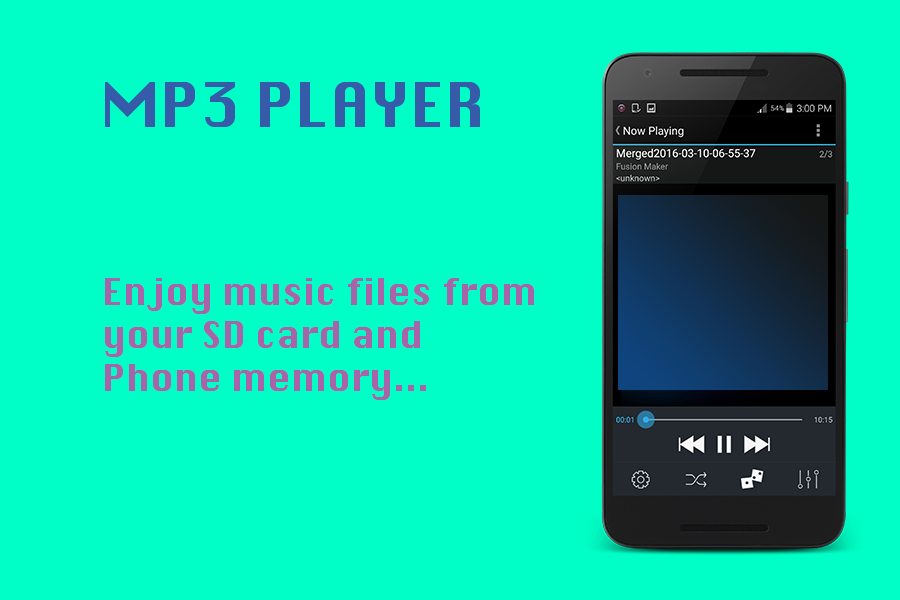
How To Download Music Straight To Your Phone Free Youtube
One of the more elegant and official-looking music downloader apps, ymusic lets you play any youtube video as an audio file, even letting you run it in the background on your phone. the real kicker here is that you can also download videos as audio files. The easiest method for transferring your music to your android device is by connecting to your pc with a usb cable. you can then manage your collection using a music app like phonograph once the files are on your phone. connect your device to your pc and wait for it to appear. Install itunes: download the latest version from the itunes website. ; keep itunes up-to-date: ensure that the latest version of itunes is installed on your computer before plugging in your iphone. to manually check for updates on a mac, select the apple menu, then choose app store. on a pc, select help > check for updates. once itunes is up-to-date, close the program. Many music-playing, or jukebox, programs are available. on windows, the most common program is windows download on phone my music media player. you can use this program to synchronize music between your phone and the pc. here’s how it works: connect the phone to the pc. use the usb cable that comes with the phone.
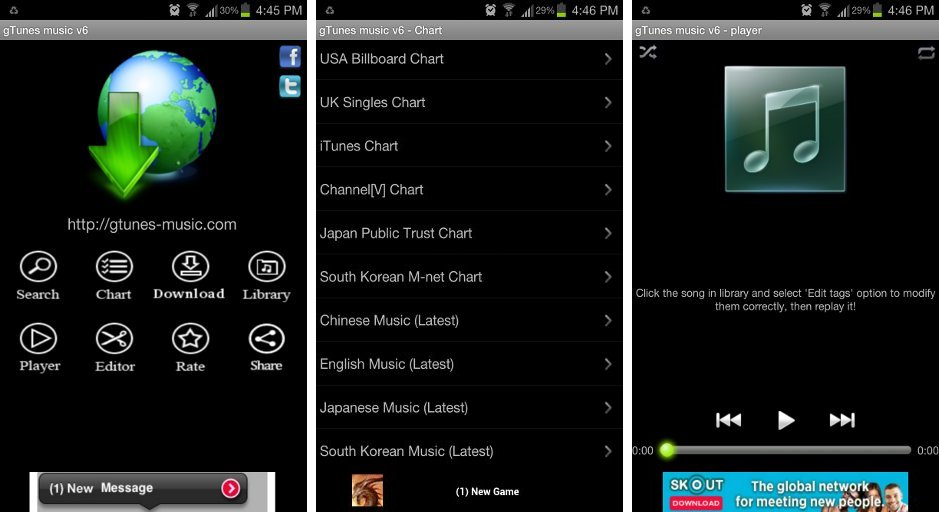
Downloading and saving music on your phone or computer is a thing of the past. today, you can stream almost any music you want. here are our top picks for free music streaming apps on android and iphone. downloading and saving music on your phone or computer is a thing of the past. today, you can stream almost any music you want. Many, if not most, cell phones these days offer built-in music players. in many cases, you can download music to your cell phone over the air through your carrier’s online store. this option, of course, is far from free. you already have tons of music on your computer, but how can you get it onto your cell phone? we will go into that in this article. well, as you were probably expecting, the. Part 1. 7 best free apps to download music on iphone and ipad 1. spotify. when it comes to best free music download apps for iphone, spotify must be mentioned. it allows you to feast millions of songs from all over the world for free and save songs offline. it also offers a mass of podcasts. Sometimes the best apps for your free music downloads are those which aren’t even designed specifically for that purpose. tubemate is an app that lets you download youtube videos in a number of formats, including audio only.
0 Response to "Download On Phone My Music"
Post a Comment